
Connected Blood-Pressure Monitoring
Reliable readings.
Clearer patterns.
Better conversations with your care team.
PressurePath Health pairs a validated Bluetooth cuff with guided measurement, longitudinal trend analysis, and permission-controlled reports — so every reading counts and every visit starts with data you can trust.

What PressurePath Health Offers
From each reading to every appointment, a complete monitoring workflow
Every feature exists to improve consistency, reduce guesswork, and give your care team data they can act on safely.
Guided Measurement
On-screen instructions walk you through cuff placement, posture, rest periods, and timing. If a reading needs review, you’ll know why and how to repeat it.
Trend Analysis
See longitudinal patterns across your readings with clear, plain-language summaries. Understand what’s changing over days and weeks, not just today’s number.
Care-Team Coordination
Generate permission-controlled reports to share with your clinician, caregiver, or pharmacy. Every report includes context, timing, and quality signals.
Measurement Quality Signals
Know whether a reading may need review. Technique, timing, and context prompts help ensure the data you track is data you can rely on.
Bluetooth Cuff Integration
Connect your validated upper-arm cuff to the iOS or Android app. Readings sync automatically — no manual entry, no scattered logs.
Medication and Context Notes
Add medication notes, symptoms, and context alongside your readings. Your care team sees the full picture, not isolated numbers.
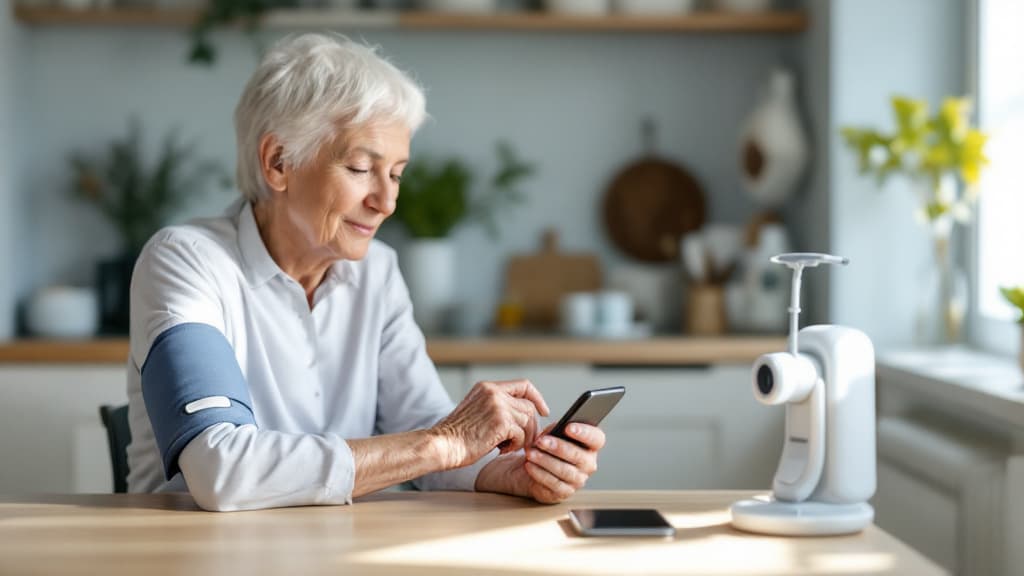
How It Works
From first reading to care-team report, step by step
Connect your cuff
Pair your validated Bluetooth upper-arm cuff with the PressurePath app on iOS or Android. Setup takes about two minutes.
Follow guided measurement
The app walks you through cuff placement, posture, rest, and timing. If something looks off, it explains why and helps you repeat the reading.
Review patterns over time
As readings accumulate, trend summaries show what’s changing and what’s steady. Every summary explains the data behind it.
Share with your care team
Generate reports with context, timing, and quality signals. Share with a clinician or caregiver on your terms, with your permission.

Take control of your blood-pressure monitoring
Every reliable reading is a step toward better conversations with your care team. Get started with guided measurement, trend analysis, and shareable reports today.